



solución
Intelligent Chat With Your Documents
Turn your contracts, manuals, catalogs, and reports into an assistant that answers your questions instantly, in Spanish with RAG (Retrieval Augmented Generation) technology. Your usual information, now just one question away.


Find what you need without reading page by page
How much time does your team waste every week searching for a specific piece of information in a 40-page PDF, an old manual, or a folder full of files? Imagine getting all those hours back. With Intelligent Chat with Documents, you simply ask what you need to know and get the exact answer. In Spanish. In seconds. No complications.
Clear answers in seconds, not hours
100% in English (we can adapt), designed for businesses in English-speaking markets
Works with PDFs, Word files, scanned images, and web pages
As simple as sending a Message
No technical knowledge or training required. If you know how to send a WhatsApp message, you already know how to use our Intelligent Document Chat. These are the four steps:
Upload files
Ask your question
Get the answer
Verify the source
1
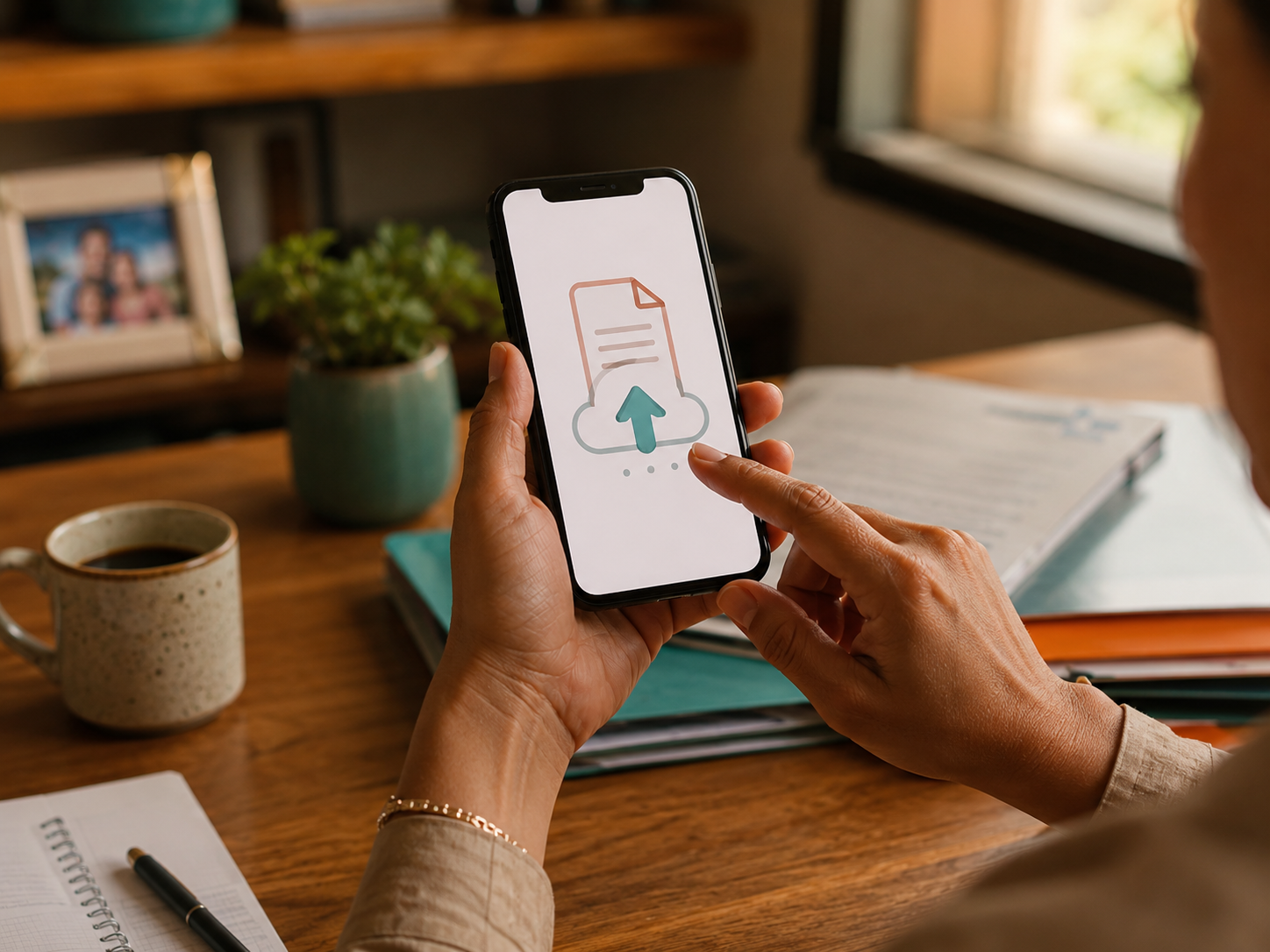
Upload your files
Upload all the important documents of your business: contracts, operating manuals, product catalogs, standardized recipes, records, internal policies, invoices, presentations, or any file your team frequently consults. We support PDFs, Word documents, text files, scanned images (even photos taken with a phone), and even web pages—you just paste the link and you’re done.
Your files are organized and available whenever you need them, whether there are five or five hundred. You don’t need to sort them into folders or label them: our system automatically understands the content of each one and prepares them to answer anything.

2
Ask your question
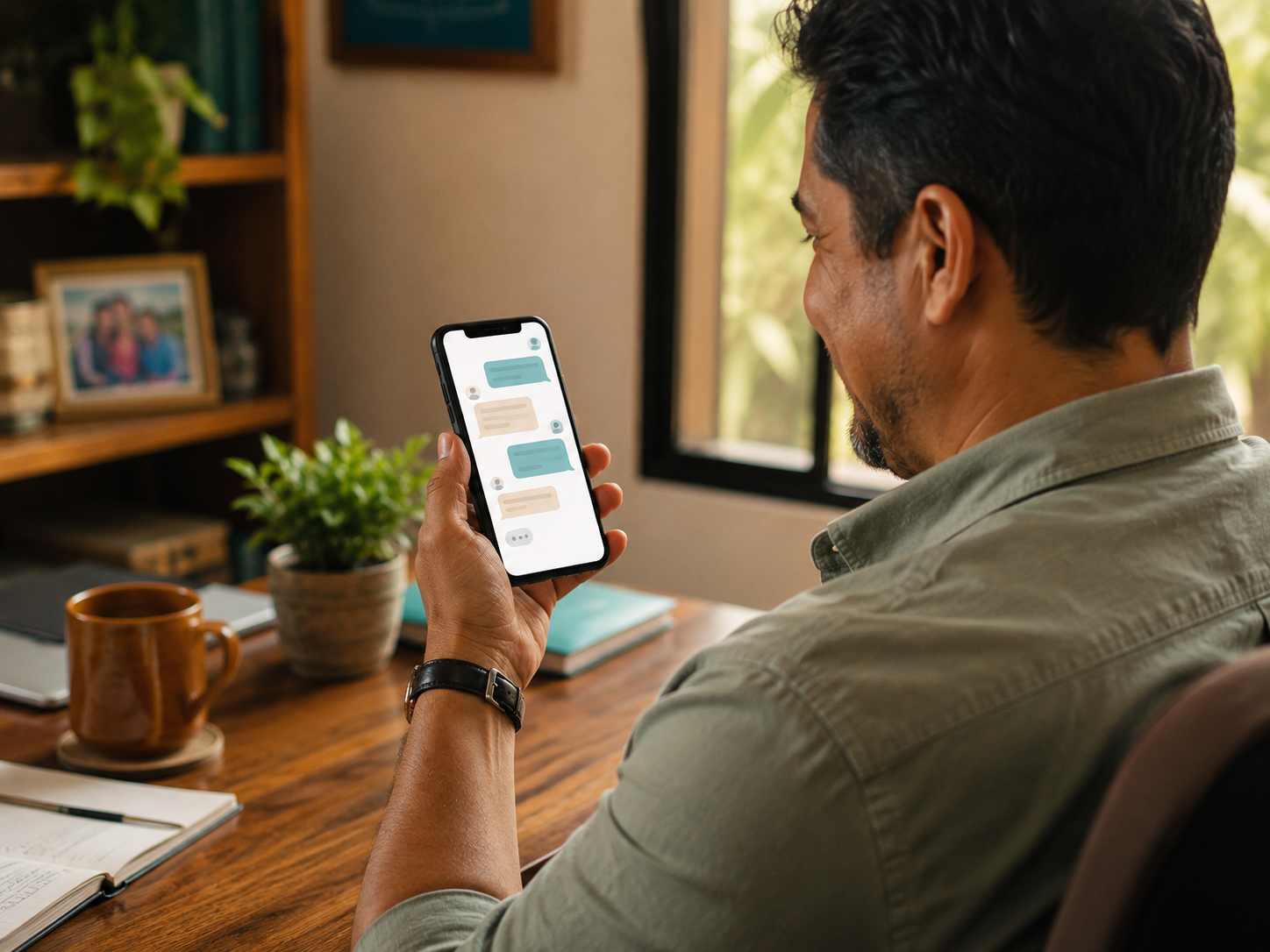
Ask in your own language, as if you were talking to a coworker. You don’t need to use specific keywords, remember the file name, or know which page the information is on. Ask things like “what is the return policy of supplier X?”, “how much does it cost to produce the chicken dish?”, or “what does the contract say about payment terms?”.
If after the answer you still have another question, you can continue the conversation naturally. The Chat remembers what you’ve already discussed and understands follow-up questions like “and in the previous case?” or “give me more detail about the last one.” It’s a conversation, not a search engine.
3
Get the answer almost instantly
In seconds, you get a clear answer, written naturally and always in Spanish. The response combines information from all relevant documents, so it doesn’t matter if the data is on a single page or spread across multiple files: the system finds it, reads it, understands it, and delivers it in a summarized, easy-to-read way.
You can ask it to summarize, compare, list, explain in simple terms, or go deeper into a specific point. It works like an assistant that has already read all your documents and is ready to help you whenever you need it.

4
Verify the source
Each answer comes with the exact reference to the document the information was taken from. You can see the specific excerpts used to respond, giving you full transparency and confidence to make important decisions based on real data from your own business.
It’s like having an assistant that not only answers you, but also shows you exactly where each piece of data came from. No assumptions, no made-up information, no hidden errors. You decide when to trust the answer as is and when to open the original document to verify it.